
How to get started on VEV-IQ through the app or web
Registering for the platform will give you access to our network of charging stations, real-time charging availability, charging history and charging recommendations.
How to Sign Up – Register on the Platform
-
Go to the VEV-IQ webpage:
Visit your companies VEV-IQ page to get started. -
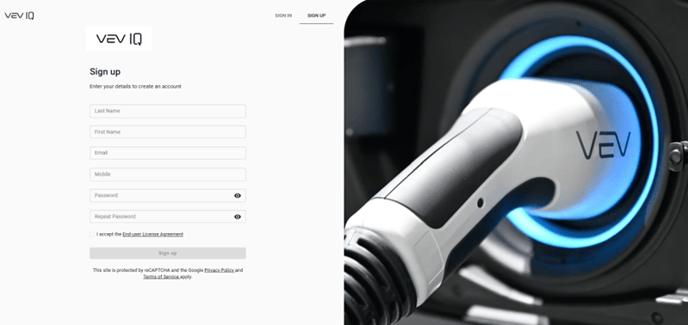
Click 'Sign Up':
You'll find the 'Sign Up' button at the top right corner of the page. -
Enter your details:
Fill in your information and review the End-User License Agreement (EULA). -
Verify your email:
After clicking 'Sign Up,' you'll receive a verification email. Click the link in the email to confirm your address. -
Log in to your account:
Once verified, you can log in and start using VEV-IQ.
Check your junk folder for the verification email, just in case it gets filtered there.
In some cases, the administrator may need to accept you before you can log in
How to Sign In – If You're Invited to the Platform
You may be invited to the platform by your administrators:
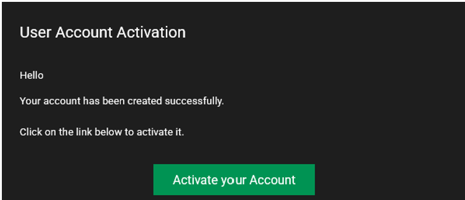
- Activate your account:
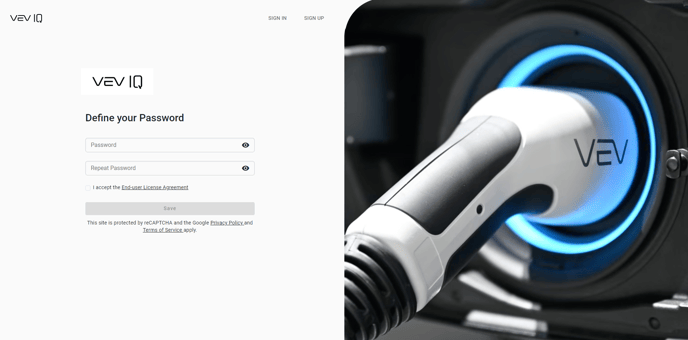
You’ll get an email notifying you that your account has been created. Click the link to activate your account and set your password. - Sign in:
Use your username and password to log in to the platform.
Mobile App
- Download the app:
Download the VEV-IQ mobile app from the Apple App Store or Google Play Store -
Register your company:
After downloading the app, you can choose to register your company by either:-
- Scanning a QR code, which will be provided by your Administrator
- Manually entering your company details.
-
Log in:
Once registered, simply log in with your account details and start using VEV-IQ.
-