![VIT06-Logo-Redesign-CMYK-1.jpg]](https://help.vev.com/hs-fs/hubfs/VIT06-Logo-Redesign-CMYK-1.jpg?height=40&name=VIT06-Logo-Redesign-CMYK-1.jpg)
Reassign Chargers in VEV-IQ
This process allows you to ensure chargers are correctly assigned to the appropriate site areas. If you've assigned a charger to the wrong site area, you can easily move it to the correct one.
Steps to Move Chargers:
1. Access Site Areas
- Go to 'Organisations' from the menu
- Select the 'Site Areas' tab
2. Manage Chargers
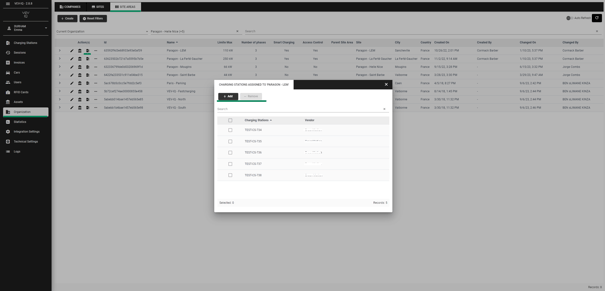
- Click the 🔌 icon next to the site area
- You'll see a list of chargers assigned to that site area
3. Remove a Charger
- Select the chargers you want to remove.
- Click 'Remove'
4. Add a Charger
- Click 'Add'
- Find the charger you want to assign to this site area.
- Select the tick to save your changes.