![VIT06-Logo-Redesign-CMYK-1.jpg]](https://help.vev.com/hs-fs/hubfs/VIT06-Logo-Redesign-CMYK-1.jpg?height=40&name=VIT06-Logo-Redesign-CMYK-1.jpg)
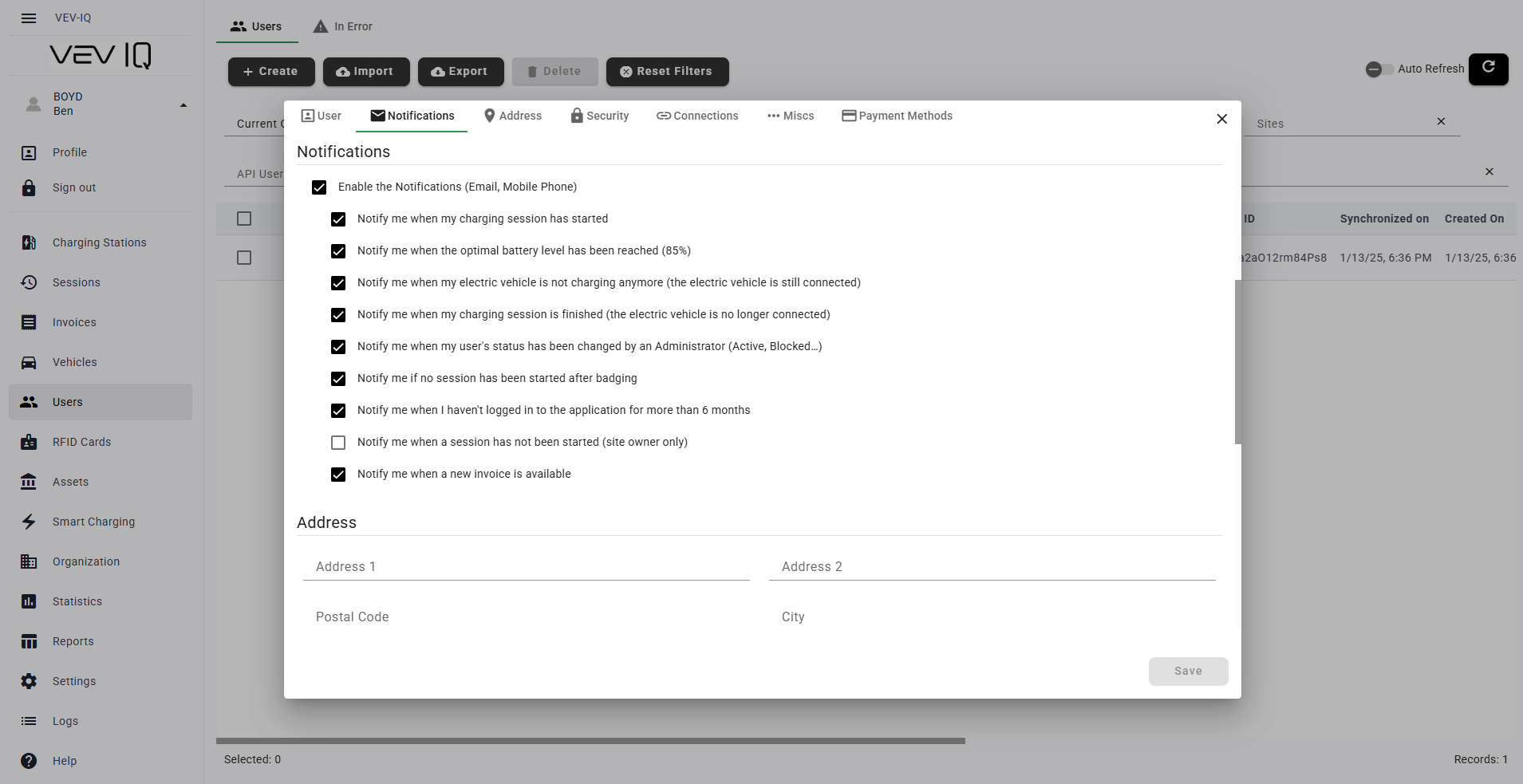
For Admins: Manage User Notifications
- Click 'Users' in the left menu
- Click the pencil icon next to the user you want to edit
- Go to the 'Notifications' tab
- Adjust the notifications the user can receive
- Click 'Save'
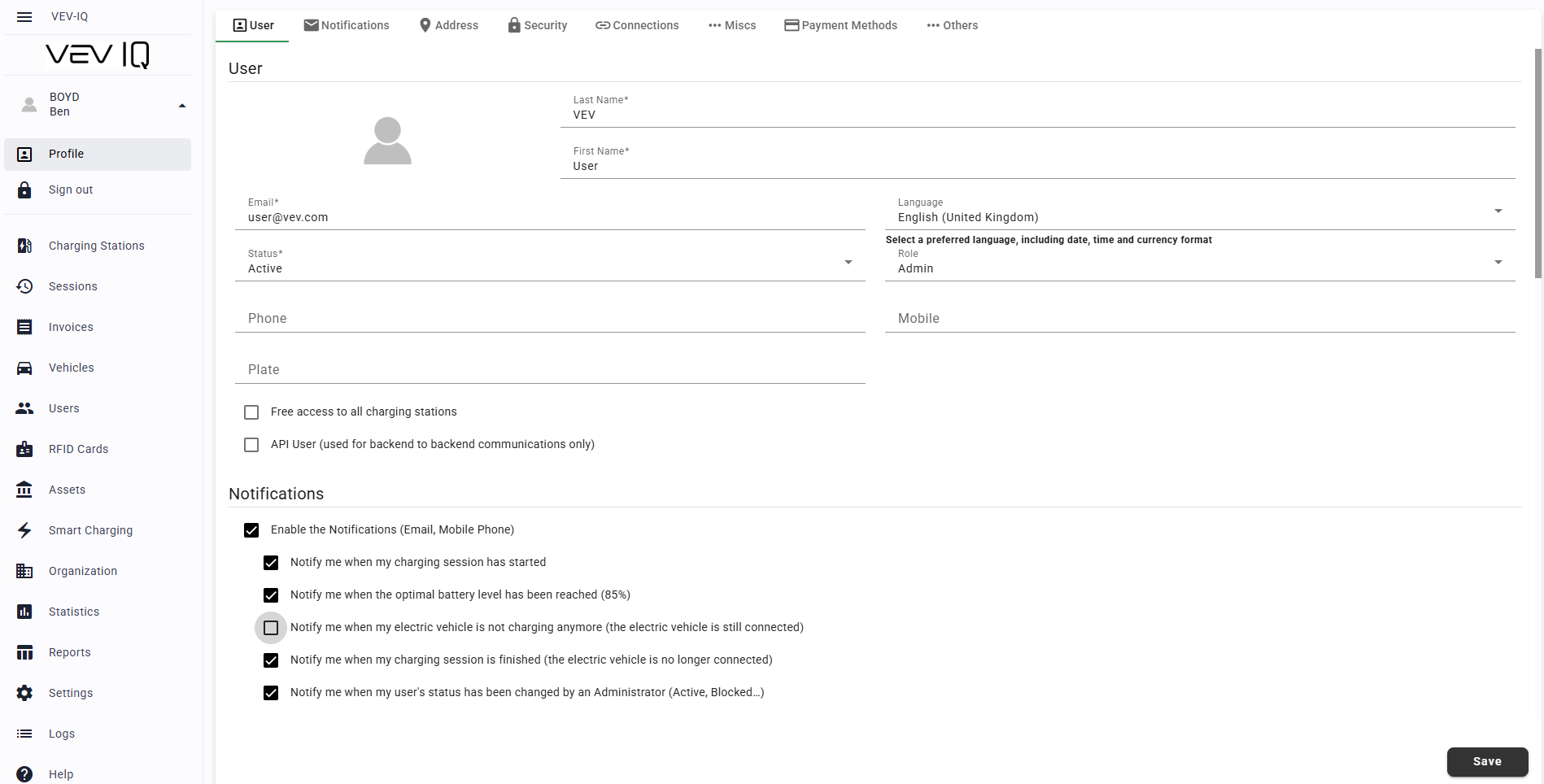
For Users: Manage Your Own Notifications
- Click your user icon in the top left of the web portal
- Select 'Profile', then go to the 'Notifications' tab
- Check or uncheck the notifications you want to receive
- Click 'Save'