![VIT06-Logo-Redesign-CMYK-1.jpg]](https://help.vev.com/hs-fs/hubfs/VIT06-Logo-Redesign-CMYK-1.jpg?height=40&name=VIT06-Logo-Redesign-CMYK-1.jpg)
VEV-IQ allows you to integrate energy assets, such as solar panels, batteries, and meters, for streamlined management and smart charging
Steps to Add Additional Assets:
1. Activate the Feature
Ensure the paid feature for adding energy assets is activated in your VEV-IQ portal. Please contact your VEV representative
2. Add an Asset
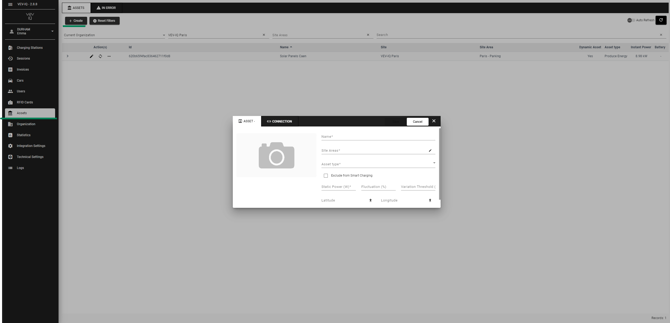
- Go to 'Assets'
- Select 'Create'
- Enter all required details for the asset, including:
- Site area
- Type of asset (EG solar, battery)
- Static power
- Longitude and latitude (same as your site area) - Switch to the 'Connections' tab
- Add the relevant connector and ID
In order to connect your energy assets, you will need to activate the paid feature in your portal. Once activated, you will be able to easily add and manage your solar panels, batteries, or meters.